PDF guide
How to sign a PDF, and is an electronic signature valid?
Short answer
To sign a PDF, draw your signature with a mouse or finger in a signing tool, place it where it belongs, and save. Korea’s Digital Signature Act says a signature cannot be denied effect just because it is electronic, but for important contracts it is safest to agree with the other party on how you will sign.
Sign a PDFHow do I sign a PDF without printing?
Draw your signature with a mouse or finger in a signing tool, place it where it belongs, and save. No printer or scanner is needed.
- Open Sign PDF and add your PDF.
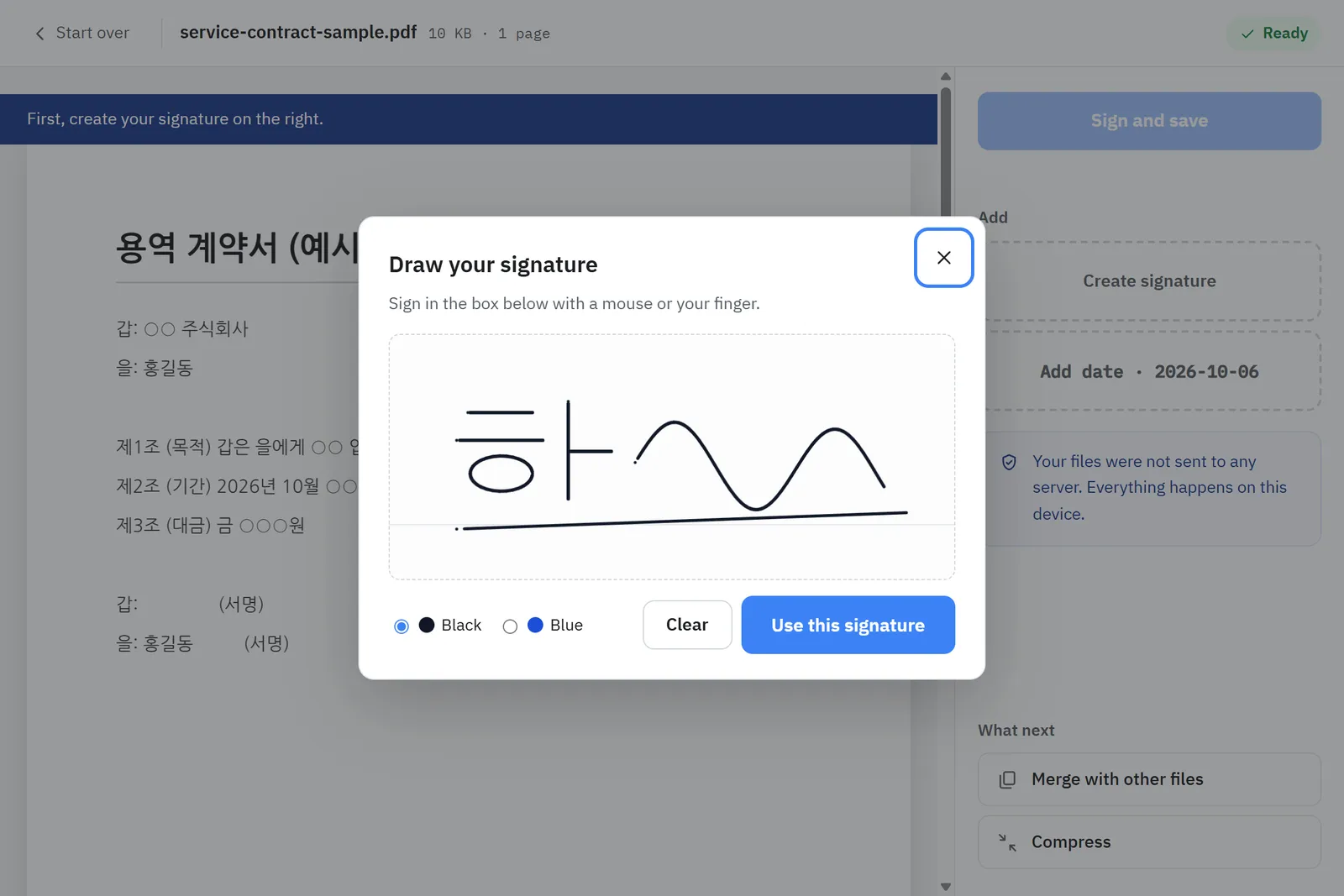
- Draw your signature in the signature box.
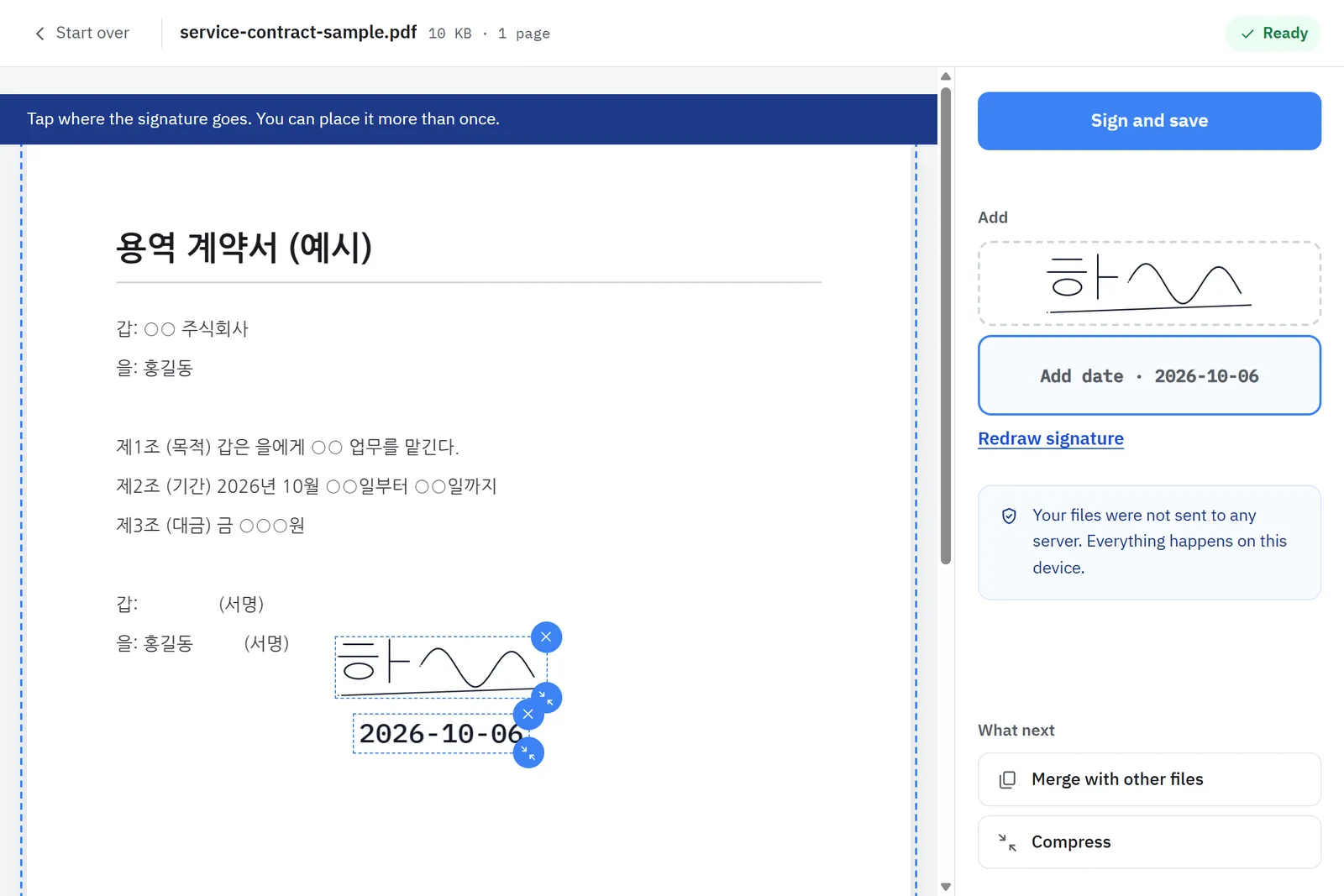
- Tap the spot to sign. Drag to move it and use the corner to resize.
- Tap other pages to sign them with the same signature.
- Press Sign and save.
Your signature is not stored anywhere and disappears when you close the tab.
Is it legally valid?
Under Korea’s Digital Signature Act, an electronic signature may not be denied the effect of a signature or seal solely because it is electronic, and where a law requires a signature, an electronic signature agreed on by the parties satisfies it. In practice, what matters is whether you can show who signed and that they agreed to the content.
- If the other party tells you how to sign (common for employment contracts and consent forms), follow that.
- For high-value or disputed contracts, consider a certified e-contract service or signing in person.
- Keep the emails or messages in which you exchanged the signed PDF.
Sources
- Digital Signature Act, Article 3 (effect of electronic signatures) · Korea Ministry of Government Legislation (Korean)
- Digital Signature Act (Article 2, definitions) · Korea Ministry of Government Legislation (Korean)