HWP guide
How to open an HWP file without Hangul
Short answer
HWP is the file format of Hangul (Hancom Office), the word processor most used in Korea. You can open it without Hangul: the fastest way is a browser-based viewer such as DrPDF, which shows the document and saves it as PDF with nothing to install. If you need to edit the file, you need Hancom Office or Hancom Docs.
Open an HWP file nowWhat is an HWP file?
HWP (and the newer HWPX) is the document format of Hangul, a word processor made by Hancom. Korean government offices, schools, and many companies use it instead of Microsoft Word, so if you live, study, or do business in Korea you will receive these files often. Word, Google Docs, and macOS Pages generally cannot open them.
How can I open an HWP file without Hangul?
You can open an HWP file in a browser viewer, the Hancom viewer, Hancom Docs on the web, or Hancom Office Hangul. To just read it or turn it into a PDF, the browser viewer needs no install or account; you only need an editor to change the text.
| Option | Install | Account | Edit | Best when |
|---|---|---|---|---|
| Browser viewer (DrPDF) | None | None | No (view, save PDF) | You just need to read it or turn it into a PDF |
| Hancom viewer (free for personal use) | Yes | None | No (view only) | You open HWP files often on the same PC |
| Hancom Docs (web) | None | Yes | Yes | You need to change the text |
| Hancom Office Hangul | Yes | Purchase | Yes | You write HWP documents for work |
1. Open it in your browser
Drop the file on the HWP to PDF page and the document appears right away. It works in Chrome, Edge, Safari, and other modern browsers on Windows, Mac, and phones.
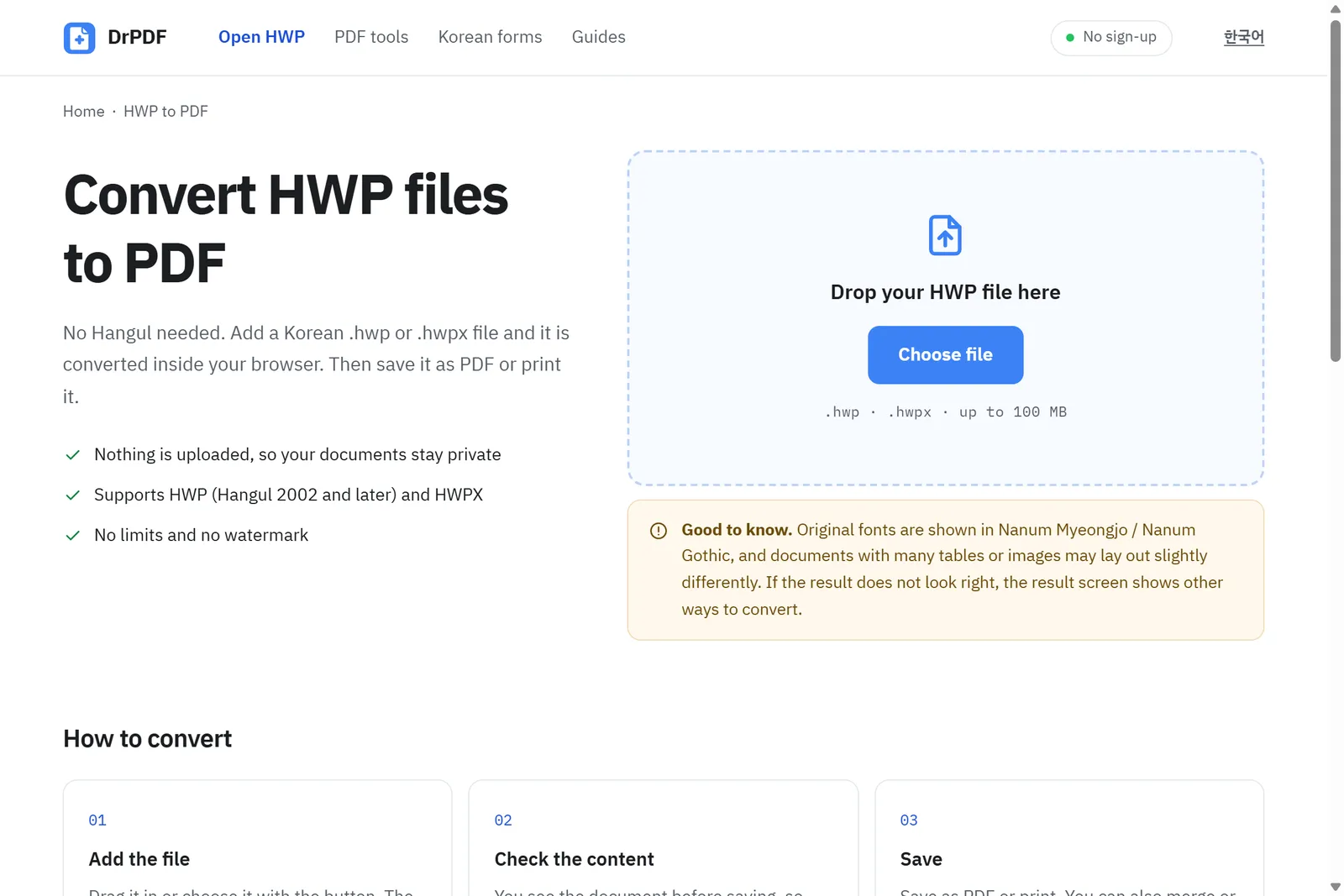
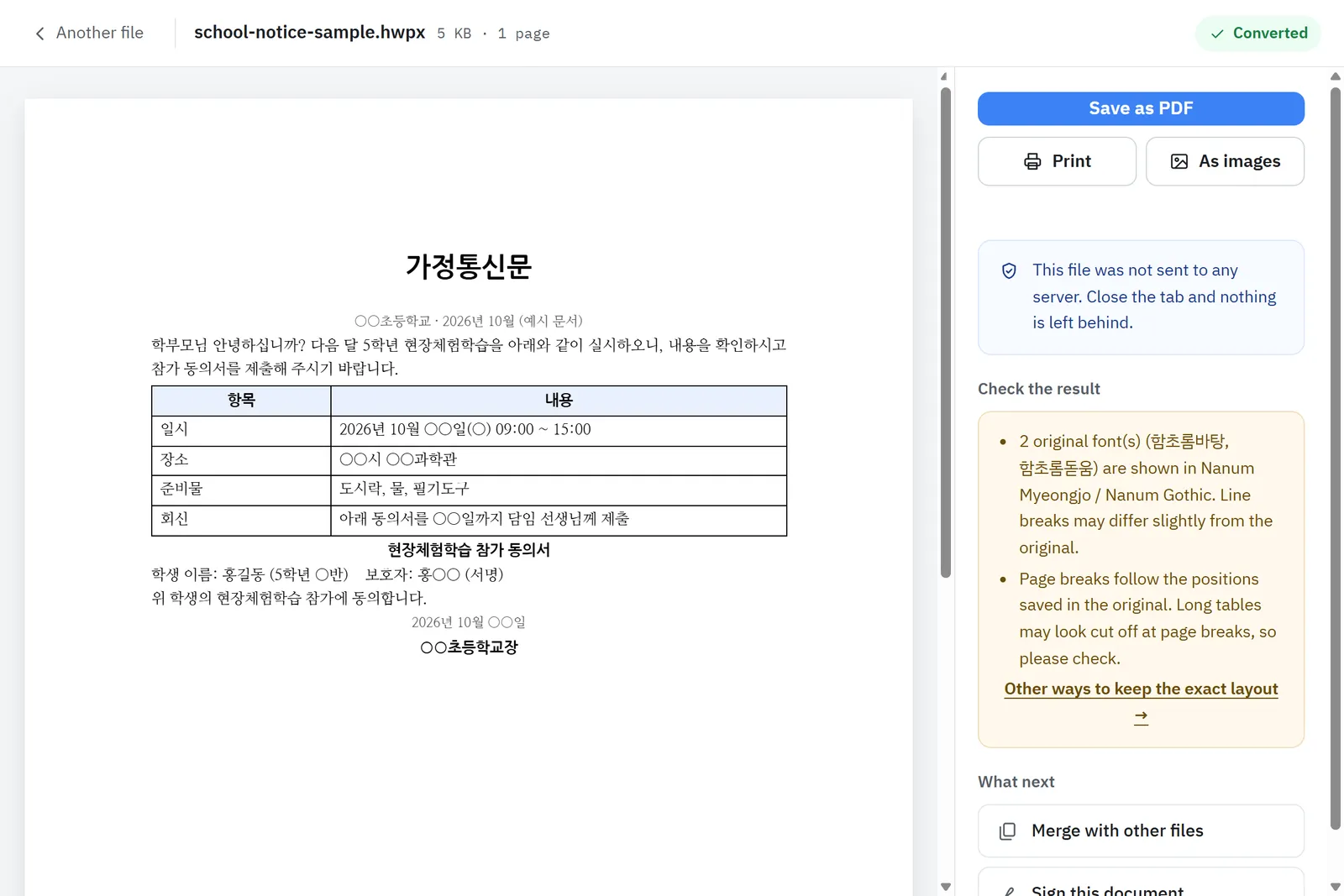
- The file is processed on your device and never uploaded, so documents with personal details stay private.
- Both HWP (Hangul 2002 or later) and HWPX are supported.
- Use the HWP viewer to just read, or save as PDF when you need to send or submit it.
2. Install the free Hancom viewer
Hancom offers a viewer on its website that opens HWP files. It is free for personal, non-commercial use; companies and organizations need to check Hancom’s license terms. It is handy if you get these files all the time on the same computer. On work or school computers where you cannot install software, use option 1.
3. How do I edit an HWP file?
To fill in blanks or change text, use Hancom Office Hangul or Hancom Docs, the web version; viewers are read-only. Another option is to ask the sender for a Word (DOCX) copy, which Hangul can save.