PDF guide
How to turn phone photos of documents into a PDF
Short answer
Add your document photos to an images-to-PDF tool, set the page order, and save them as one PDF. The most important part is the photo itself: shoot straight on, in good light, without shadows. DrPDF resizes large photos automatically so the PDF stays small.
Turn photos into a PDFHow do I take good photos of documents?
Shoot straight on, in good light, without shadows; that matters most. Take one page per photo so the text stays large enough to read.
- Light from the side: overhead lights cast your phone’s shadow. A spot near a window works well.
- Straight on: shooting at an angle distorts the text. Keep the phone parallel to the paper.
- Dark background: white paper on a dark desk makes the edges clear.
- One page per photo keeps the text large enough to read.
The Scan Documents feature in the iPhone Notes or Files app and the Scan button in Google Drive on Android straighten pages automatically. You can combine those PDFs with others using Merge PDF.
How do I put several photos into one PDF?
Select all the photos in an images-to-PDF tool, put them in order, and save. Each photo becomes one A4 page.
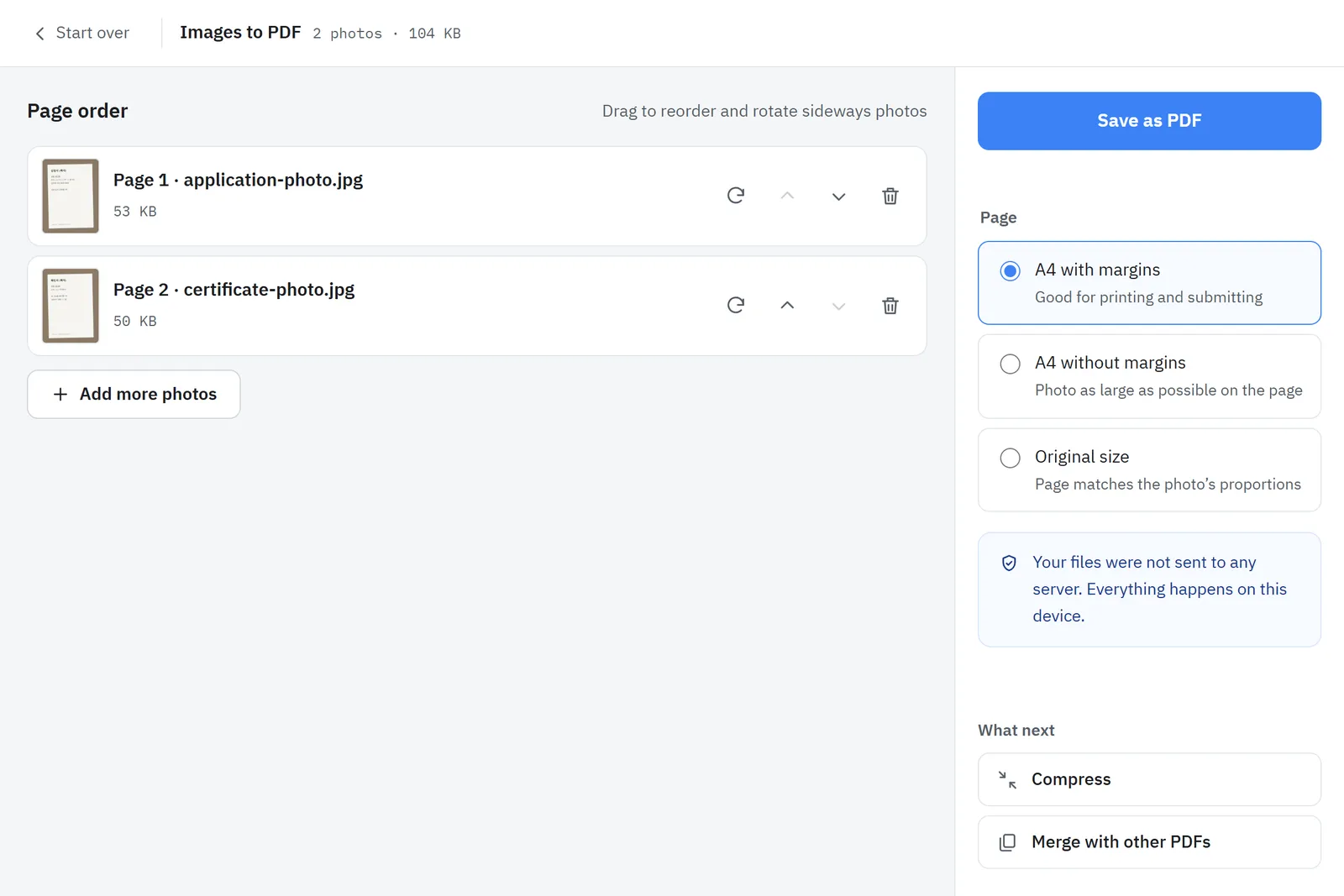
- Open Images to PDF.
- Select all the photos (JPG or PNG).
- Put them in order and save. Each photo becomes one A4 page.
Photos are never uploaded; the PDF is built on your phone. That matters for ID cards and bank documents.
How should I submit a copy of my ID?
Cover details the recipient does not need. Writing the purpose on the copy, such as "For ○○ application only", helps prevent misuse.
Sources
- How to scan documents on your iPhone or iPad · Apple Support
- Scan documents with Google Drive (Android) · Google Help
- Using HEIF or HEVC media on Apple devices · Apple Support